What never to type into an AI — a short list you can print
Most things are fine to share with a chatbot. A few are not. Here is the short list, why each one matters, and what to type instead.
Here is the reassuring part first: the vast majority of what you’d ever type into a chatbot is perfectly fine. Recipes, letters, questions about history, help with a crossword, “why does my knee click” — go ahead.
But there is a short list of things that should never go in. Not because the chatbot is evil, but because what you type is stored somewhere, and stored things can leak, be read by staff, or be used to train future versions. Treat a chatbot the way you’d treat a helpful stranger at a library desk: happy to help, but not someone you hand your wallet to.
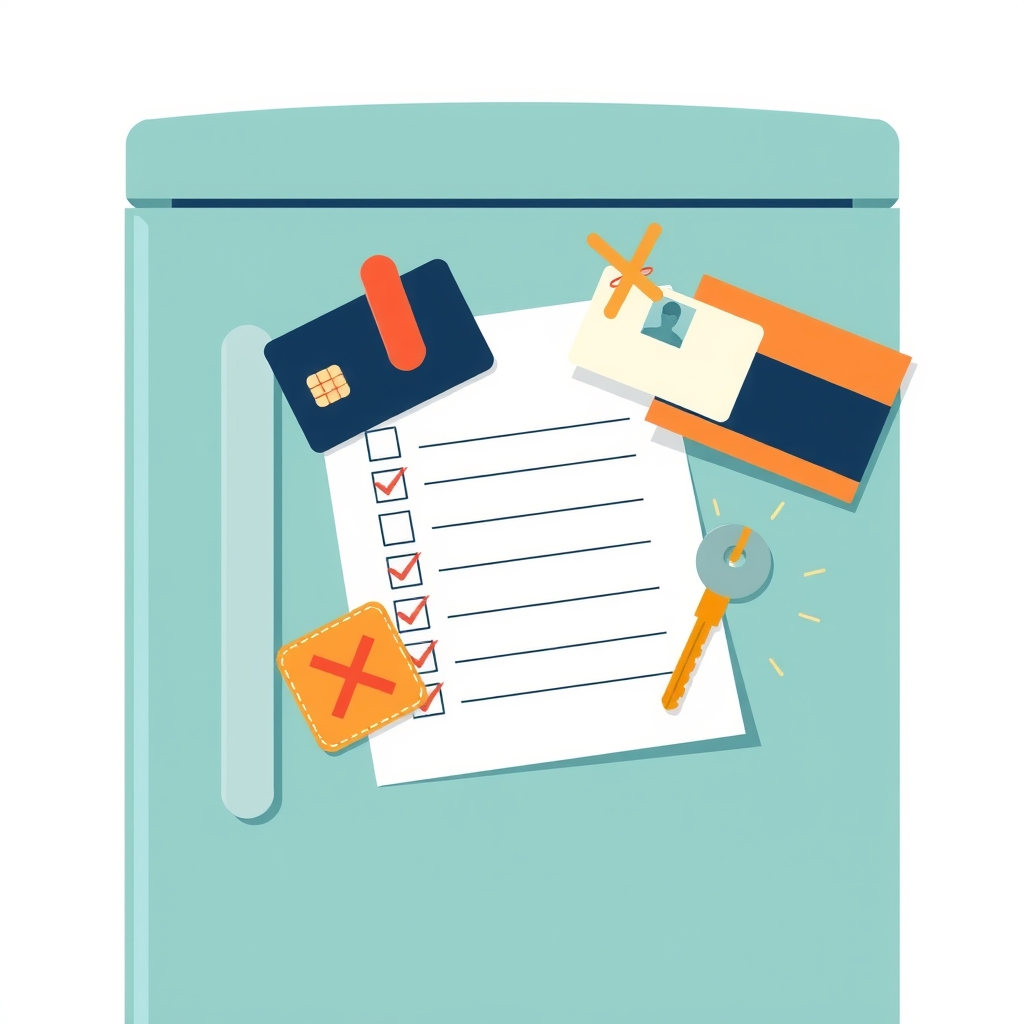
Print this list. Stick it by the computer. That’s the whole job.
Never type these
1. Passwords. Ever. For anything. There is no situation where a chatbot needs your password to help you. If you want help choosing a good password, ask for advice — don’t type the one you have.
2. Your ID or account numbers. National ID / social security number, passport number, driving licence number, bank account and card numbers, PIN codes. The chatbot can’t do anything useful with these, and they’re exactly what a thief would want.
3. Other people’s private information. Your friend’s medical situation, your grandson’s school problems, a colleague’s home address. It’s not yours to share, and they didn’t agree to it. Describe the situation without the name if you need advice.
4. Anything you’d be embarrassed to see printed. A safe test: imagine this conversation on a noticeboard with your name on it. If that makes you wince, don’t type it. Conversations are rarely made public — but “rarely” isn’t “never,” and you can’t take it back.
5. Full documents with personal details still in them. A letter from the bank, a medical report, a contract. It’s fine to paste these after you’ve blanked out the names, numbers and addresses — see the “what to type instead” section below.
Be careful with these
Your full name plus your address. Either on its own is usually fine. Both together, with your date of birth, is enough to impersonate you. Keep them apart.
Health questions about yourself. Asking “what could cause dizziness” is fine. Typing your full history with dates, diagnoses and medications is more than the chatbot needs — and more than you want stored. Keep it general, and take the answer to a real doctor. (More on AI and health questions.)
Money details. “How should I think about a pension?” is fine. “I have exactly this much in these accounts” is not necessary and not wise.
Photos of documents or people. Some chatbots let you upload pictures. A photo of a plant or a recipe is fine. A photo of your passport, your card, or someone who hasn’t agreed to it — no.
What to type instead
The trick is to remove the identifying parts and keep the situation. The chatbot doesn’t need to know who you are to help you.
| Instead of… | Type… |
|---|---|
| “I’m Margaret Holm, born 12/3/1958, living at 14 Elm Road…” | “I’m a woman in my late sixties…” |
| Pasting the whole bank letter | Pasting it with the name, account number and address replaced by “[name]”, “[number]”, “[address]” |
| “My neighbour John Smith has dementia and…” | “A neighbour of mine has memory problems and…” |
| “My password is Fluffy1962, is it strong?” | “Is a pet’s name plus a year a strong password?” (It isn’t.) |
You’ll find the answers are just as good. Often better — because you’ve had to describe the problem clearly.
If you already have
You may be reading this and thinking of something you typed last month. Don’t panic; most of these are low-risk in practice. But do three things:
- If it was a password, change it. Today. On the real site, typed in yourself.
- Delete the conversation. Most chatbots let you delete individual chats from the history list on the left. It won’t undo everything (the company may keep a copy for a while), but it’s the right first step.
- Turn off “improve the model” if you can. In ChatGPT, Gemini and others there’s a setting that stops your chats being used for training. It’s usually under Settings → Data controls, or similar. (Full walkthrough here.)
The list, for the fridge
Never: passwords · ID and account numbers · other people’s private details · anything you’d hate to see printed · documents with personal details left in.
Careful: full name + address together · detailed health history · exact money figures · photos of documents or people.
The test: would I say this to a helpful stranger at a library desk? If yes, type away.